 11
11
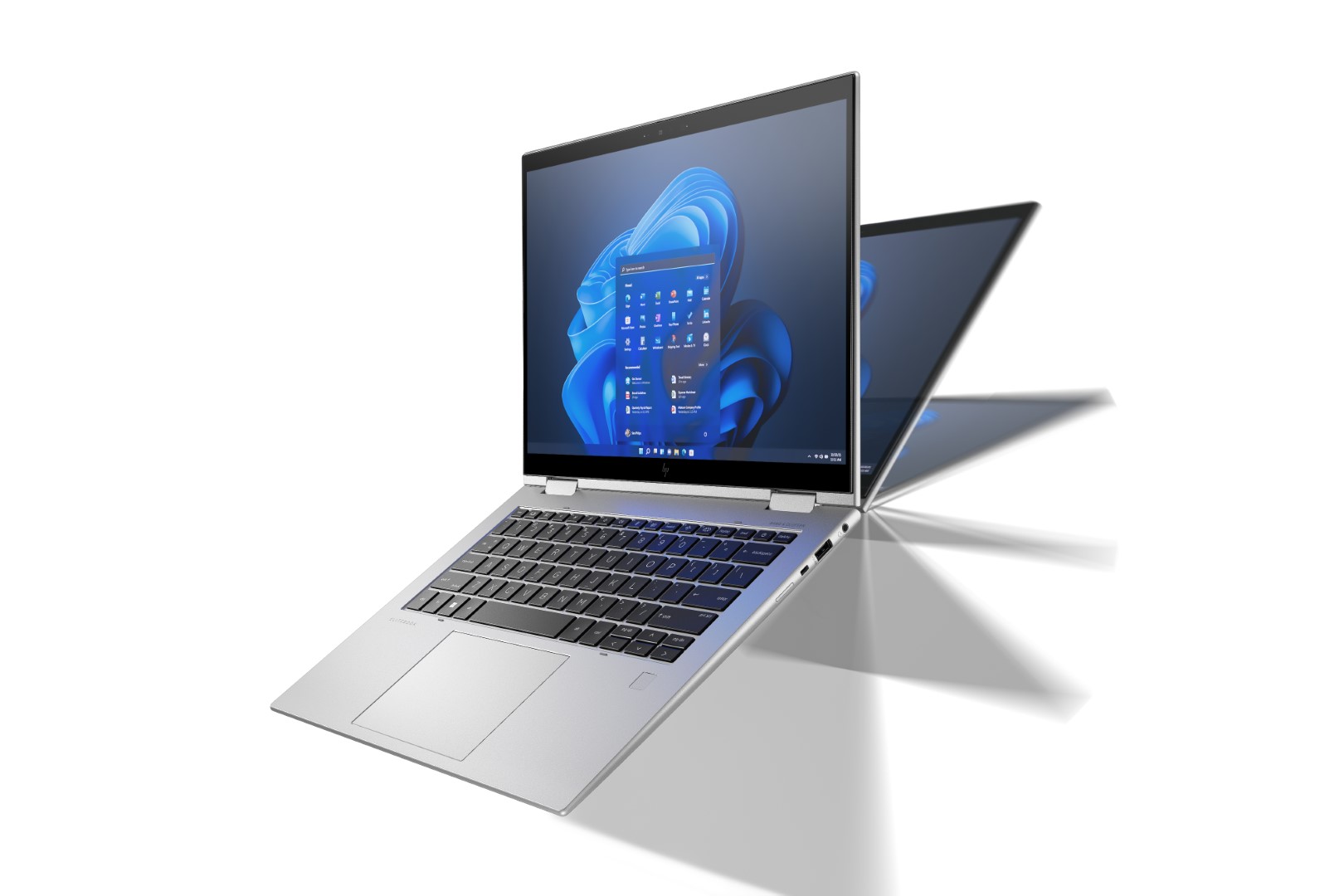
Below is a deep, research-style review of the EliteBook 1040 (focus on G9/G10 families and the x360 convertible option). I’ve combined official specs, professional reviews, and real-world testing notes so you get a thorough picture — design, display, performance, thermals, battery, ports, security, variants, real-world use cases, pros/cons, and buying advice.
The EliteBook 1040 is HP’s premium 14-inch business laptop line designed for mobile professionals who want a light, well-built machine with enterprise security and excellent conferencing hardware. Across the G9 and G10 generations (and the Elite x360 convertible sibling) it prioritizes portability, manageability, and battery life over raw workstation throughput or gaming. Configurations typically include Intel U- or P-series CPUs, Intel Iris Xe graphics, WUXGA (1920×1200) 16:10 panels (and optional higher-end panels), and a selection of vPro, WWAN, and security options.
The EliteBook 1040 uses an aluminum/magnesium alloy chassis that balances light weight and rigidity. Typical weights are around ~1.1–1.3 kg, and the thin profile makes it excellent for business travel. The convertible x360 model preserves the same premium finish while adding a 360° hinge and active-pen support on touch panels. Reviews praise the conservative, professional aesthetic and excellent fit-and-finish — a look that reads “executive” without being flashy.
Practical notes:
The hinge is firm and smooth, suitable for frequent opening/closing.
The silver finish resists fingerprints better than glossy black alternatives.
Some reviewers noted the surface can feel slightly slippery on smooth surfaces, so pay attention when placing it on your lap.
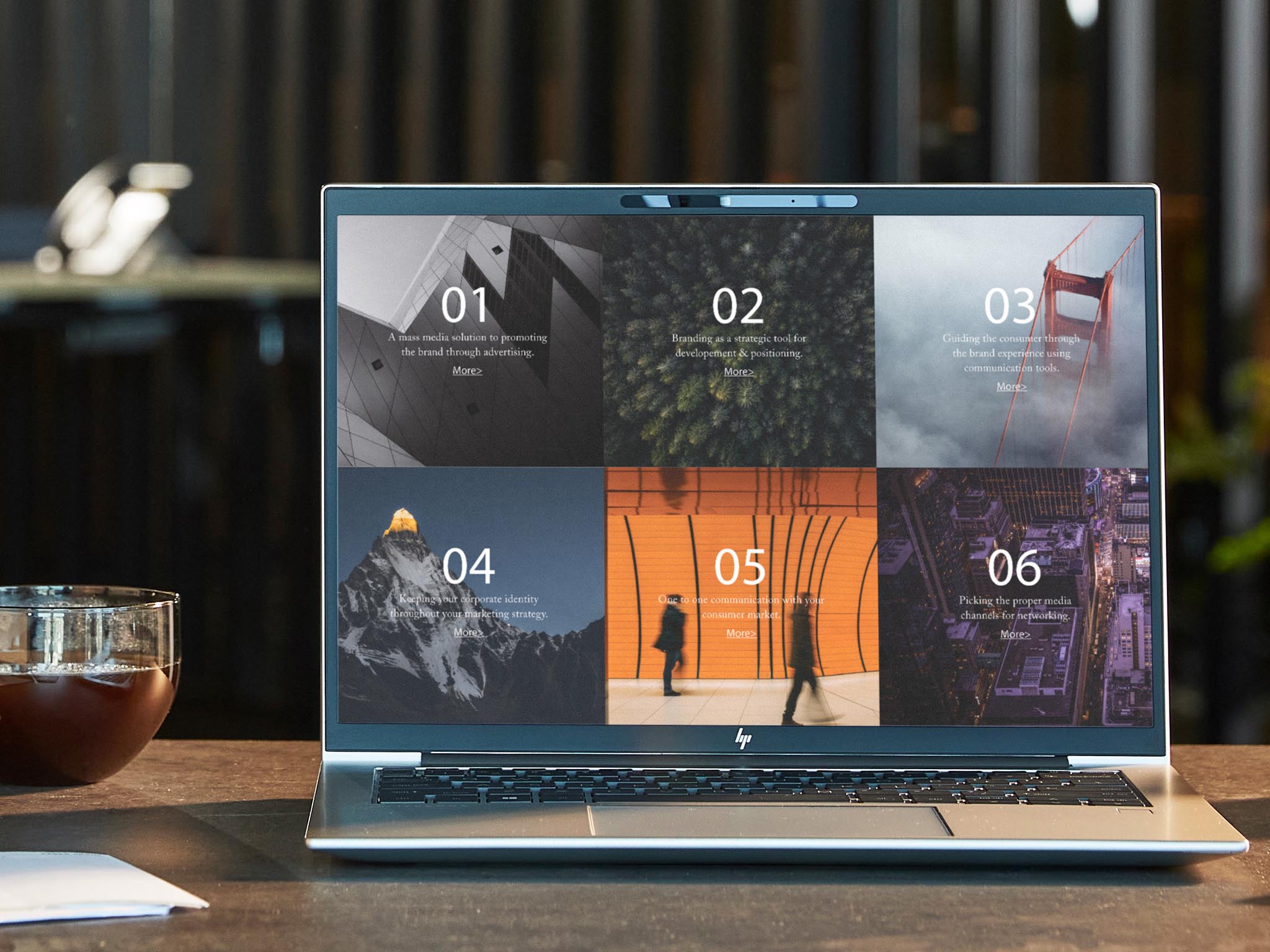
HP moved the 1040 line to a 16:10 aspect ratio (WUXGA 1920×1200 commonly), which gives extra vertical workspace — great for documents, spreadsheets, and web browsing. Panel options include non-touch, touch, and BrightView / higher-brightness variants; some SKUs offer privacy-screen tech (HP Sure View) and higher resolution panels on premium configs. For office, conference, and content-review work the standard WUXGA panels are more than sufficient; creators who need studio-grade color will want to verify panel calibration or choose a creator-focused laptop.
Practical display tips:
Choose non-glossy (anti-glare) WUXGA for better outdoor/office light handling.
Opt for the higher-brightness or Sure View option if you frequently work outdoors or on planes.
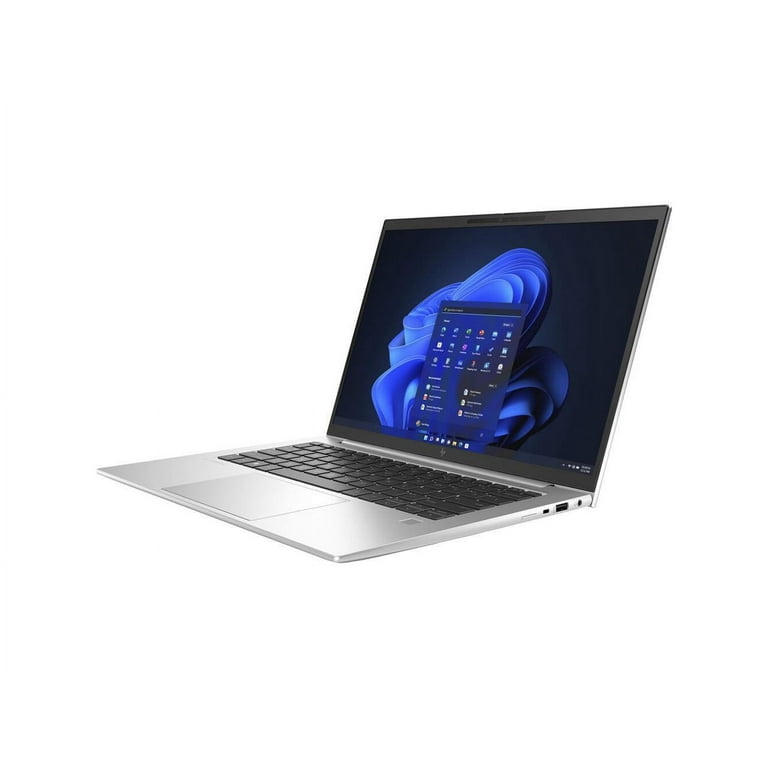
Performance depends on the CPU selection and generation. G9 models commonly use 12th-gen Intel (Alder Lake) U-series / vPro chips; G10 uses later Intel updates. In day-to-day office loads — heavy browsing, many browser tabs, video calls, Office productivity suites, and light compiling — the EliteBook is snappy and responsive. In short, it’s excellent for productivity and multitasking.
However, the thin chassis and conservative cooling means sustained heavy multi-core loads (long renders, extended large dataset compiles) will see thermal throttling compared with bulky workstations. If your workflow includes prolonged heavy CPU-bound tasks, a thicker workstation or a laptop with higher sustained TDP will perform better.
Benchmarks & real-world behavior:
Strong single-threaded performance (good for everyday apps).
Multi-core peaks are high, but sustained throughput drops under continuous heavy loads due to thermal limits.
Integrated Iris Xe graphics handle casual media and light creative tasks but are not a replacement for discrete GPUs.
Battery life varies by panel, CPU, and battery SKU. Independent reviews and testing show competitive battery life — often in the 8–14 hour range for mixed/web workloads depending on configuration and usage. The laptop supports USB-C charging and commonly ships with a 65W adapter; many SKUs support fast charge. If you need guaranteed all-day battery life for heavy workloads, pick a configuration with the lower-power display and larger battery where available.
Practical battery advice:
For long travel days: choose WUXGA (non-4K) + larger battery option.
Carry a USB-C power bank or 65W charger if you’ll be away from outlets.
The EliteBook 1040 typically offers a useful, business-friendly mix:
2 × Thunderbolt 4 / USB-C (power, display, data)
1 × HDMI (depending on SKU)
2 × USB-A (on many configs)
3.5mm audio jack
Optional microSD / SmartCard / WWAN (4G/5G) modules on select models
Wi-Fi 6E and Bluetooth 5.x options on newer SKUs
This selection reduces the need for dongles compared with many ultraportables that only provide USB-C ports.
HP equips the 1040 with a comfortable keyboard (good key travel, tactile feedback) optimized for long typing sessions — a plus for heavy typists. The trackpad is large and accurate; multi-gesture support is solid. HP also emphasizes meeting hardware: high-quality webcam options (including improved 5MP options on some SKUs), multiple mics, and decent speakers — making the EliteBook 1040 an excellent conferencing laptop.
Where the EliteBook shines is security and enterprise manageability:
TPM 2.0, fingerprint readers, and optional IR face-login
HP Wolf Security features and enterprise endpoint protections
vPro options for remote management and IT control
Optional SmartCard and WWAN (for secure remote connectivity)
If your organization requires centralized manageability, device encryption, or regulated-environment security features, the EliteBook 1040 family is purpose-built.
Key variants to consider:
EliteBook 1040 G9 — the main refreshed lineup with 12th-gen Intel, 16:10 screens, and strong battery life.
EliteBook 1040 G10 — later updates with newer Intel silicon and incremental chassis refinements; carries premium pricing.
Elite x360 1040 — convertible with touchscreen, pen support, and the same security/port mix for those who want tablet mode.
Best for:
Executives, frequent travelers, and remote workers who prioritize weight, battery, and secure manageability.
Consultants and knowledge workers who need excellent video conferencing hardware and long battery life.
Not ideal for:
Gamers and creative pros needing discrete GPUs or highly consistent multi-core performance for rendering.
Pros
Premium build, very portable.
Strong security and enterprise features.
Excellent keyboard and meeting hardware.
Useful port selection for a thin machine.
Cons
Relatively expensive for high-end SKUs.
Thermal throttling under very heavy sustained workloads.
Integrated graphics only — not for heavy creative/gaming workloads.
Match the panel to your needs: WUXGA (16:10) is an excellent sweet spot; upgrade only if you need higher resolution or brighter outdoor viewing.
vPro only if required: Choose vPro if your organization mandates it; otherwise you can save some money.
RAM & storage: For long useful life, 16GB RAM + 512GB SSD is a sensible baseline for professionals; move to 32GB only for heavier multitasking/VM use.
Check local support/warranty: Especially important if you’re buying in regions where HP service availability varies.
Consider x360 if you want tablet mode and pen input.
The EliteBook 1040 is a textbook premium business laptop: lightweight, well-built, packed with enterprise security and conferencing hardware, and tuned for productivity. It’s an excellent machine for professionals who travel or work remotely and need manageability features. It’s not the right laptop if you need a gaming rig or a workstation for heavy creative workloads — but for the majority of business users and road warriors, it’s among the best 14-inch options available