 11
11 Whether you are controlling a computerized mount from a dark-sky site or plate-solving in real time during an imaging session, having the best laptop for astrophotography under the stars makes or breaks your night. A field capture laptop needs to be reliable, power-efficient, bright enough to read under red-light conditions, and stable enough to run your capture, guiding, and mount-control software for hours at a stretch without crashing or overheating.
This guide focuses specifically on field capture — the laptop you use at the telescope — rather than the powerful desktop workstations used for stacking and processing back home. We have selected seven laptops across Mac and Windows, ranging from budget-friendly to premium, each rigorously tested against the real demands of outdoor astrophotography.
Battery Life: A productive imaging session easily runs 6 to 10 hours. Aim for at least 10 to 12 hours of rated battery life to give yourself real-world headroom without carrying a power bank.
Connectivity: USB 3.0 ports are essential for camera connections and guider setups. Look for at least two USB-A ports, or plan to carry a hub. An HDMI port simplifies connections for telescope displays.
RAM: 16GB is the practical minimum for running KStars/EKOS, PHD2 Guiding, and capture software simultaneously. 24GB or 32GB gives comfortable headroom for light on-site processing.
Display: Bright panels matter outdoors. Look for at least 400 nits peak brightness. A matte or anti-glare finish dramatically reduces dew and ambient-light reflections at night.
Reliability and Build Quality: Your laptop will face cold temperatures, dew, and dusty conditions. Rugged builds, solid hinges, and military-grade chassis ratings are genuine advantages in the field.
Weight and Portability: You are likely carrying a telescope, tripod, camera bag, and power station. A laptop that shaves a pound off your loadout is a meaningful win.
| Laptop | OS | RAM | Battery | Best For | Price Range |
| MacBook Air M5 (13-inch) | macOS | Up to 32GB | ~18 hrs | Best overall field capture | ~$1,099+ |
| Microsoft Surface Laptop 7 (15-inch) | Windows | 32GB | 17+ hrs | Best Windows field pick | ~$1,299+ |
| MacBook Pro 14-inch (M5 Pro) | macOS | Up to 64GB | ~22 hrs | Premium field + processing | ~$1,999+ |
| HP OmniBook Ultra Flip 14 | Windows | 16–32GB | ~14 hrs | Versatile 2-in-1 | ~$1,299+ |
| Dell XPS 16 | Windows | 16–64GB | ~12 hrs | Windows performance pick | ~$1,799+ |
| Gigabyte G5 | Windows | 16–32GB | ~6 hrs | Budget gaming/astro laptop | ~$999 |
| MacBook Neo (A18 Pro) | macOS | 8GB | ~16 hrs | Budget Mac field companion | ~$599–$699 |
| CPU | Apple M5 (8-core) |
| RAM | 16GB / 24GB / 32GB unified memory |
| Storage | 512GB SSD (base) |
| Display | 13.6-inch Liquid Retina, up to 500 nits |
| Battery | Up to 18 hours |
| Weight | 2.7 lbs (1.24 kg) |
| Starting Price | ~$1,099 |
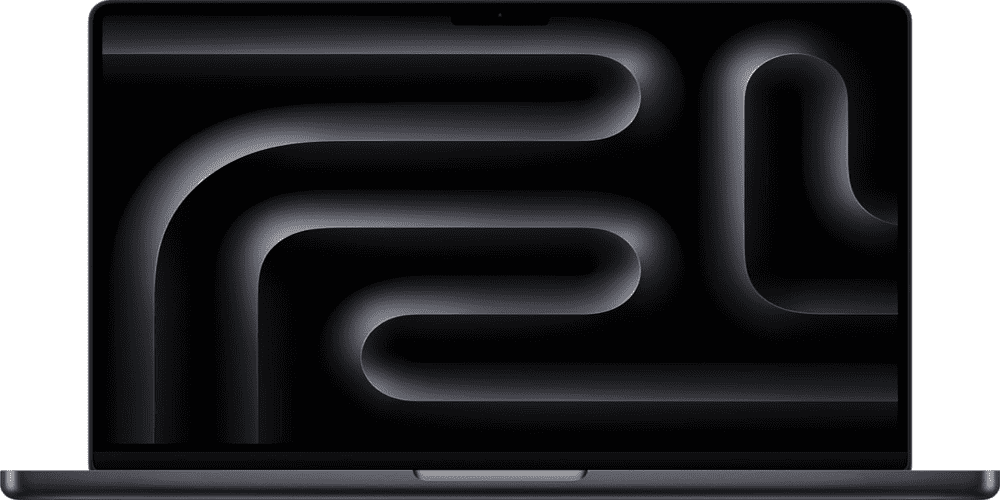
The MacBook Air M5 is the field capture laptop most astrophotographers should buy first. Apple’s March 2026 refresh brought meaningful upgrades over the M4 generation: storage now starts at 512GB (double the previous base), memory bandwidth jumps to 153GB/s, and Wi-Fi 7 via Apple’s dedicated N1 chip makes communication with mount controllers and hotspots faster and more stable.
For field work — running KStars/EKOS, PHD2, and Astro Photography Tool through an entire session — the M5 handles every demand with comfort. Its fanless design means zero mechanical noise to interfere with sensitive guiding setups, and the battery will outlast almost any realistic imaging night without an external power source.
The 13.6-inch display is genuinely bright and sharp, readable in subdued red light without straining your dark-adapted eyes. The only limitation worth noting is the absence of active cooling, which means prolonged PixInsight stacking runs will eventually throttle — but for pure field capture, that never comes into play.
Best for: Astrophotographers who want the lightest, longest-lasting field laptop and use a separate machine for processing.
Recommended config: MacBook Air M5, 24GB RAM, 512GB SSD — approximately $1,299. The extra RAM is worth it if you ever process light sessions on-site.
| CPU | Qualcomm Snapdragon X Elite |
| RAM | 32GB LPDDR5 |
| Storage | 512GB – 1TB SSD |
| Display | 15-inch LCD, 2496 x 1664, 120Hz touchscreen |
| Battery | 17+ hours |
| Weight | 3.7 lbs (1.68 kg) |
| Starting Price | ~$1,299 |
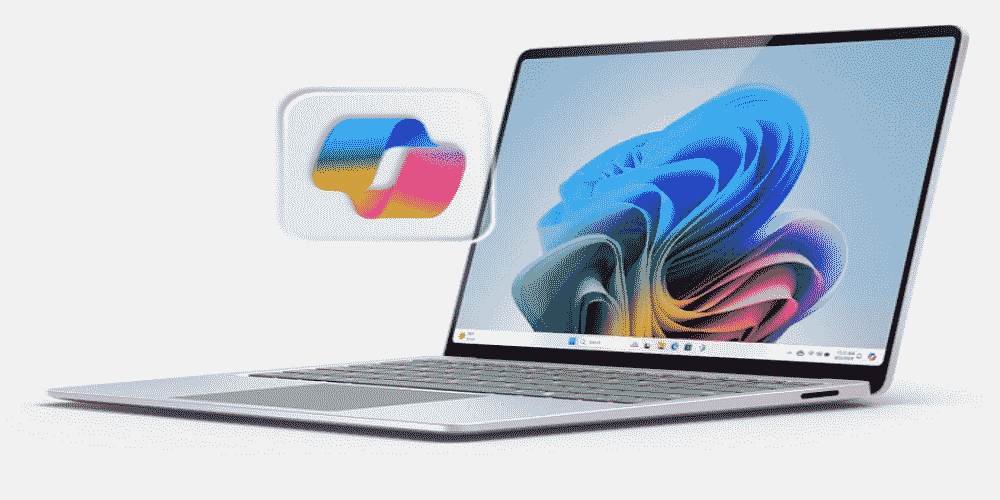
If you are committed to the Windows ecosystem — particularly if your workflow depends on NINA, SharpCap, or DeepSkyStacker — the Surface Laptop 7 is the most capable portable Windows machine available right now. Its Snapdragon X Elite processor delivers ARM-native efficiency, and its neural processing unit (NPU) offloads background tasks to extend battery life to a remarkable 17-plus hours in practice.
The 15-inch 3:2 display is crisp, smooth at 120Hz, and gives more vertical screen real estate than most 16:9 panels — genuinely useful when working with multi-panel imaging software interfaces. The anodized aluminum chassis is slim and premium, measuring close to the MacBook Air 15-inch in footprint while offering full Windows compatibility.
The main trade-off is display technology: the Surface Laptop 7 uses an LCD rather than OLED, which means blacks are not as deep as on competing machines. For field use under dark skies, this is largely irrelevant. The panel is still bright and accurate enough for practical use, and the 3:2 aspect ratio makes software like EKOS and AstroPhotography Tool easier to navigate.
Best for: Windows users who need reliable, long-battery field performance and want a premium build to match Apple’s portables.
| CPU | Apple M5 Pro (12-core) |
| RAM | 24GB / 48GB / 64GB unified memory |
| Storage | 1TB SSD (base) |
| Display | 14.2-inch Liquid Retina XDR, up to 1,000 nits sustained |
| Battery | Up to 22 hours |
| Weight | 3.5 lbs (1.6 kg) |
| Starting Price | ~$1,999 |
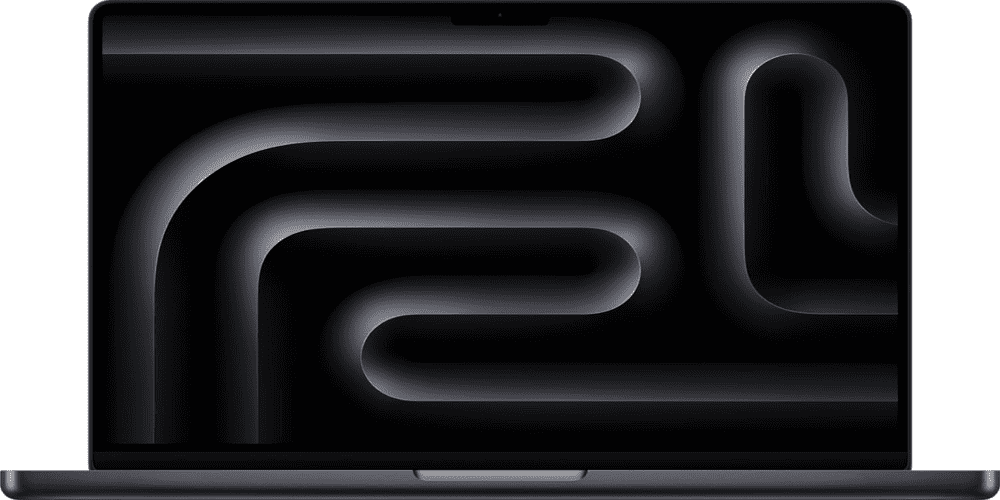
The MacBook Pro 14-inch with M5 Pro is the best single machine you can take to a dark site if you also want to do serious image processing on the same device. Apple’s Fusion Architecture in the M5 Pro delivers up to 18 CPU cores and SSD speeds approaching 14.5GB/s — roughly double the M4 generation — which makes on-site PixInsight calibration and stacking genuinely fast even under Rosetta 2 emulation.
What separates the MacBook Pro from the Air in field use is active cooling and display brightness. The Liquid Retina XDR panel sustains 1,000 nits, making it readable in conditions where cheaper displays wash out. The active cooling system means the CPU runs at full speed indefinitely, even during prolonged plate-solving or WBPP pre-processing runs in the field.
Base storage starts at 1TB on all M5 Pro configurations, and Thunderbolt 5 provides the fastest possible connection for external SSDs and camera interfaces. The 22-hour rated battery life is more than any field session will demand.
Best for: Serious astrophotographers who want one machine for everything: mount control, capture, guiding, and on-site or post-session processing.
Recommended config: MacBook Pro 14-inch M5 Pro, 48GB RAM — approximately $2,699.
| CPU | Intel Core Ultra 7 256V (8-core) |
| RAM | 16GB – 32GB LPDDR5X |
| Storage | 512GB – 1TB SSD |
| Display | 14-inch 2.8K OLED HDR, 120Hz |
| Battery | ~14 hours |
| Weight | 2.95 lbs (1.34 kg) |
| Starting Price | ~$1,299 |
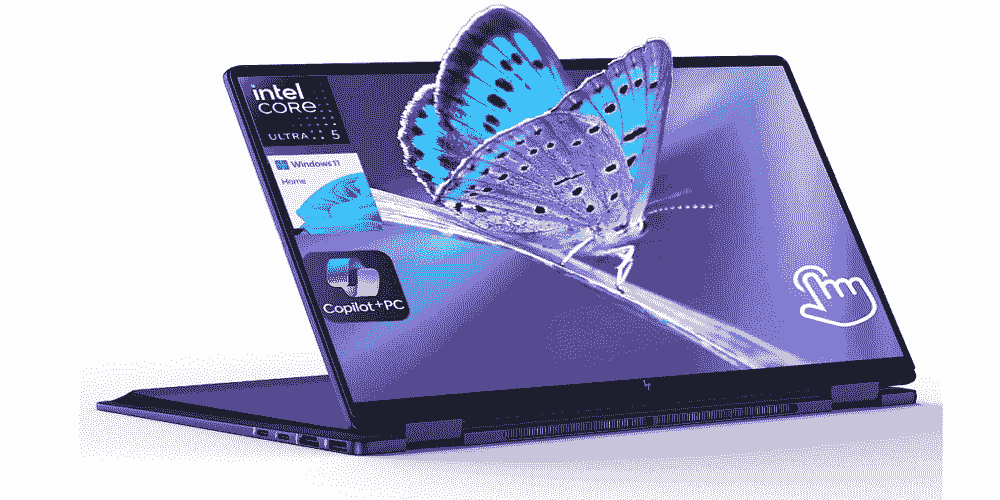
The HP OmniBook Ultra Flip 14 earns its place on this list through versatility. Its 360-degree hinge lets you use it as a conventional laptop, flip it into tent mode for narrow tripod trays, or fold it fully flat as a tablet — practical when you need both hands free to cable up a rig and want the screen propped at an angle you can glance at.
The 2.8K OLED display is the standout specification. It covers Adobe and DCI-P3 color gamuts at high percentages, makes software interfaces readable at virtually any ambient light level, and produces the kind of contrast that makes star fields and guiding previews genuinely clear on-screen at night. At 2.95 lbs, it is one of the lightest Windows machines in this guide.
Intel Arc graphics provide enough horsepower for astro capture software and light editing, though it cannot match Nvidia-equipped machines for GPU-heavy processing tasks. For field capture specifically, it is more than sufficient. The main caveat is connectivity: the OmniBook ships with only three USB-C ports, so plan to carry a compact hub for camera connections, USB-A accessories, and HDMI output.
Best for: Windows astrophotographers who want a flexible form factor, a brilliant OLED display, and light carry weight.
| CPU | Intel Core Ultra 7 155H |
| RAM | 16GB – 64GB LPDDR5X |
| Storage | 512GB – 2TB SSD |
| Display | 16.3-inch FHD or OLED |
| Battery | ~12 hours |
| Weight | 4.7 lbs (2.13 kg) |
| Starting Price | ~$1,799 |
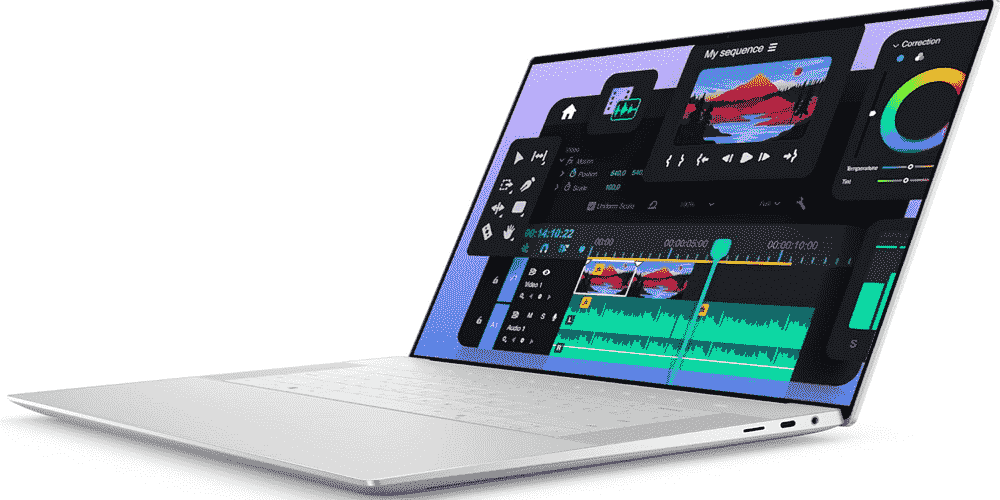
The Dell XPS 16 is the most capable Windows performance laptop on this list. Its Intel Core Ultra 7 processor paired with an Nvidia GeForce RTX 4050 gives it genuine GPU muscle for running StarXTerminator, BlurXTerminator, and AI-enhanced processing tasks that other Windows machines in this guide cannot handle at the same speed.
The optional OLED configuration delivers deep blacks and vivid colors that make it one of the best-looking displays available in a Windows laptop. Dell’s XPS line has always been known for its premium build quality and precision construction, and the XPS 16 upholds that reputation in a package that is impressively slim for its screen size and component set.
The trade-off for all that performance is battery life, which lands closer to 10 to 12 hours under realistic mixed loads — shorter than the MacBook Air or Surface Laptop 7. If you are planning long sessions without a power station, account for that. The lack of a traditional touchpad (Dell uses borderless haptic feedback) also takes adjustment. Still, for Windows users who want maximum processing power in a portable form and are willing to manage power, the XPS 16 remains a compelling choice.
Best for: Windows users who want the best balance of field portability and on-site GPU processing power, and who plan to have a power source available for longer sessions.
| CPU | 13th-Gen Intel Core i7-13620H |
| RAM | 16GB – 32GB DDR5 |
| Storage | 512GB – 1TB SSD |
| Display | 15.6-inch FHD, 144Hz |
| Battery | ~5–6 hours |
| Weight | 4.6 lbs (2.09 kg) |
| Starting Price | ~$999 |
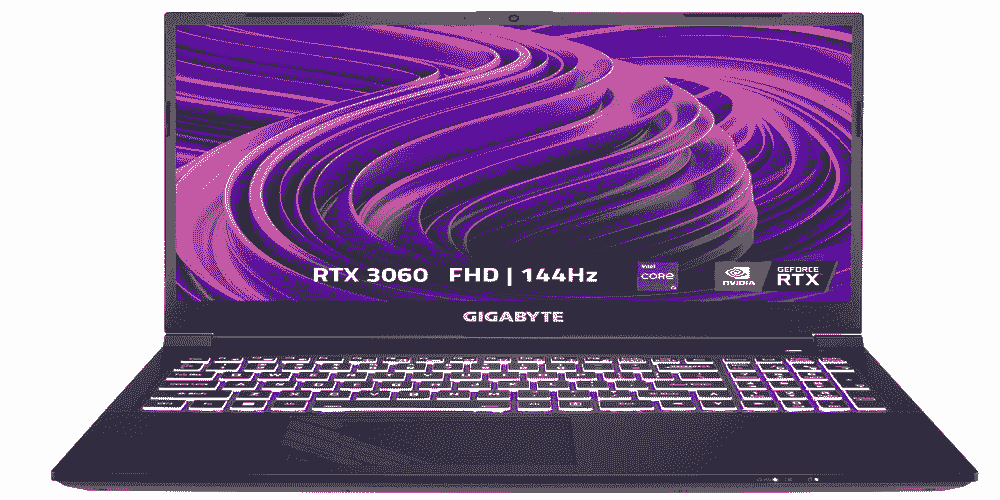
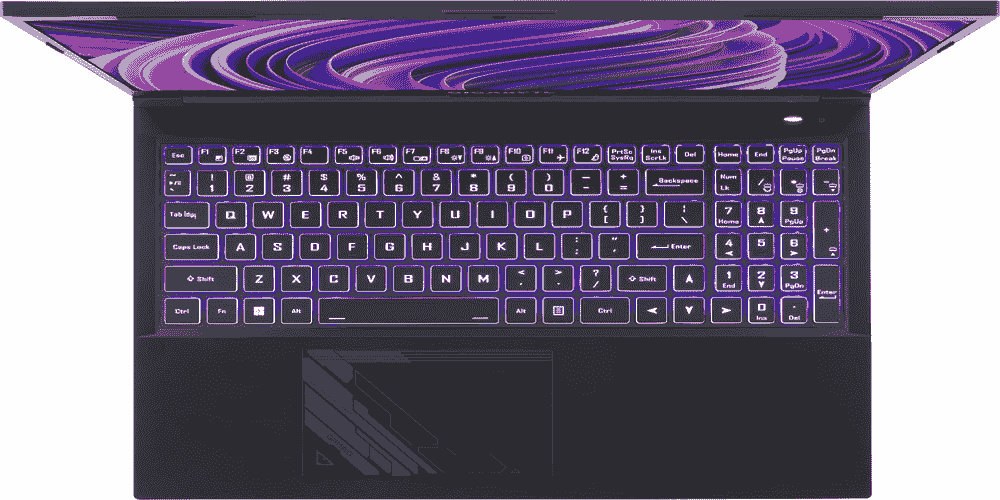
The Gigabyte G5 is the right answer for astrophotographers who want a capable field laptop without spending more than $1,000. Gaming laptops are a natural fit for astrophotography work because they are engineered from the ground up for sustained, GPU-intensive loads — the same kind of workload that capture software, plate-solving, and guiding management represent.
The G5 ships with an Nvidia GeForce RTX 4050, which handles real-time AI processing tasks that many thin-and-light laptops cannot. It includes a full complement of ports — USB-A, HDMI, and a microSD card reader — so you will not need a separate hub for most setups. The 32GB RAM configuration, available at modest cost over the base model, gives comfortable multitasking headroom.
The honest limitations are battery life and display quality. Expect 5 to 6 hours under load, which means a power station or external battery is essentially mandatory for a full imaging night. The 1080p display is serviceable but not as sharp as higher-resolution panels at this screen size. For students, beginners, or anyone building their first astro kit on a budget, the Gigabyte G5 offers hardware that punches well above its price.
Best for: Budget-conscious astrophotographers and beginners who want capable hardware without premium pricing, and who have an external power source available.
| CPU | Apple A18 Pro (6-core) |
| RAM | 8GB unified memory |
| Storage | 256GB / 512GB |
| Display | 13-inch Liquid Retina |
| Battery | Up to 16 hours |
| Weight | 2.7 lbs (1.24 kg) |
| Starting Price | ~$599 / $699 |
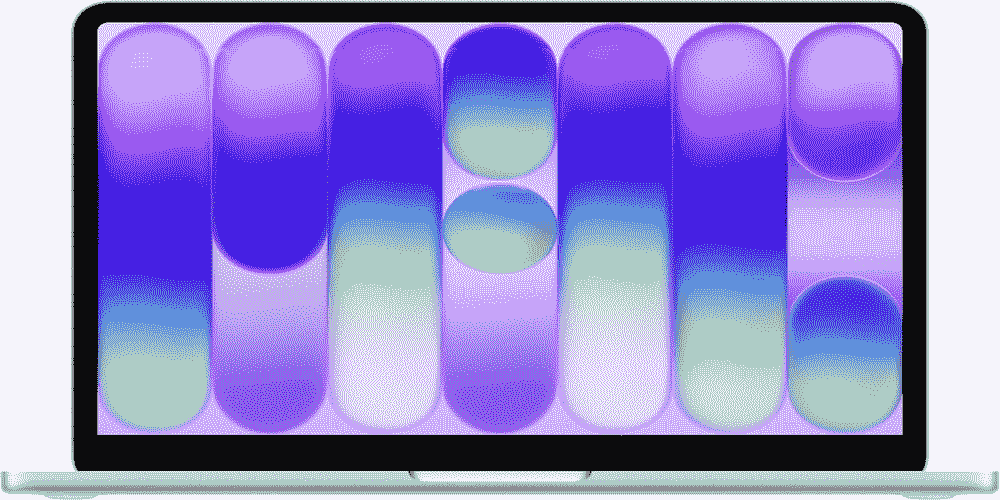
Apple’s MacBook Neo is a genuinely new category: a $599 laptop powered by the A18 Pro chip from the iPhone 16 Pro, running full macOS. That means every macOS astrophotography application — KStars/EKOS, INDIGO A1, Laminar, AstroPhotography Tool — runs natively on a device that weighs 2.7 pounds and costs less than most telescope eyepieces.
For pure field capture tasks, the A18 Pro is more capable than the original M1, which is still running imaging sessions for thousands of astrophotographers worldwide. The 16-hour battery life is exceptional, and the light weight means you will not hesitate to throw it in a gear bag alongside your other kit.
The constraints are real and worth understanding before purchasing. The 8GB RAM ceiling is not upgradeable and is the hard limit for this machine — adequate for telescope control and capture software, but insufficient for serious image stacking or PixInsight work. The base model ships with only 256GB of storage and no Touch ID; the $699 model adds both 512GB storage and Touch ID. There is also no Thunderbolt — only USB-C at USB 3 and USB 2 speeds — and Wi-Fi 6E rather than Wi-Fi 7. The MacBook Neo makes the most sense if you already own a capable desktop for processing and simply need a lightweight, affordable field computer.
Best for: Astrophotographers on a tight budget who already have a processing machine at home and need a lightweight, durable macOS laptop for telescope control and capture.
Dedicated devices like the ZWO ASIAIR Plus ($200–$300) and StellarMate control your mount, camera, and guider directly from a smartphone or tablet. For many astrophotographers, this is a cleaner setup: no laptop at the scope, no Windows driver headaches, and no battery anxiety. If your primary concern is simplicity at the telescope, a dedicated capture device paired with a desktop Mac or PC for processing may be a better investment than any laptop on this list.
That said, a laptop remains the right choice when you need flexibility — the ability to run any ASCOM driver, switch software mid-session, troubleshoot on-site, or do light processing while the mount is slewing. Laptops also support a wider range of specialized astrophotography software that dedicated units do not, including the full Windows ecosystem of NINA, SharpCap, and Sequence Generator Pro.
For telescope control, guiding, and capture software running simultaneously, 16GB is sufficient for most setups. If you plan to do any on-site processing or run multiple intensive applications in parallel, 24GB or 32GB provides comfortable headroom. For dedicated field capture machines, 16GB is the practical minimum.
Both platforms support the core toolchain well. macOS offers better hardware efficiency (particularly on Apple Silicon), longer battery life, and native support for apps like KStars/EKOS and SiriL. Windows supports a wider software ecosystem, including NINA, DeepSkyStacker, and SharpCap, which remain Windows-only. Your choice should follow your preferred capture and processing software.
Yes — gaming laptops are designed for sustained GPU-intensive workloads, which maps well to astrophotography processing demands. Their dedicated Nvidia GPUs also support AI-powered tools like BlurXTerminator and NoiseXTerminator. The main drawback is battery life; most gaming laptops struggle past six hours under load, making an external power source a practical necessity.
Not necessarily. Dedicated capture devices like the ZWO ASIAIR Plus handle camera control, guiding, plate-solving, and mount management from a smartphone or tablet app. For many astrophotographers, this eliminates the need for a field laptop entirely. A laptop remains useful if your workflow requires software that dedicated capture units do not support.
For most astrophotographers setting up in the field, the MacBook Air M5 at 24GB RAM is the smartest starting point: longest battery life, lowest weight, fanless silence, and enough performance for a full night’s capture workflow. Windows users who want comparable field performance should look to the Microsoft Surface Laptop 7 first.
If your budget allows a single machine for both field capture and serious processing, the MacBook Pro 14-inch with M5 Pro is worth the premium. For Windows performance work, the Dell XPS 16 earns its place. The Gigabyte G5 remains the most capable sub-$1,000 option, and Apple’s MacBook Neo is a compelling ultra-budget field companion if you keep your processing workflow on a separate machine.
Whichever laptop you choose, pair it with a portable power station for sessions longer than five or six hours, keep your field machine lean by installing only imaging software, and consider a dedicated capture device as a complementary investment rather than a competition.